
Check a building permit file for consistency with ChatGPT
Received and missing documents, contradictions between Cerfa form, drawings and notice, human reviews: a ChatGPT plugin to check a permit file.
By Educasium
Install the ChatGPT plugin: Planning application file →
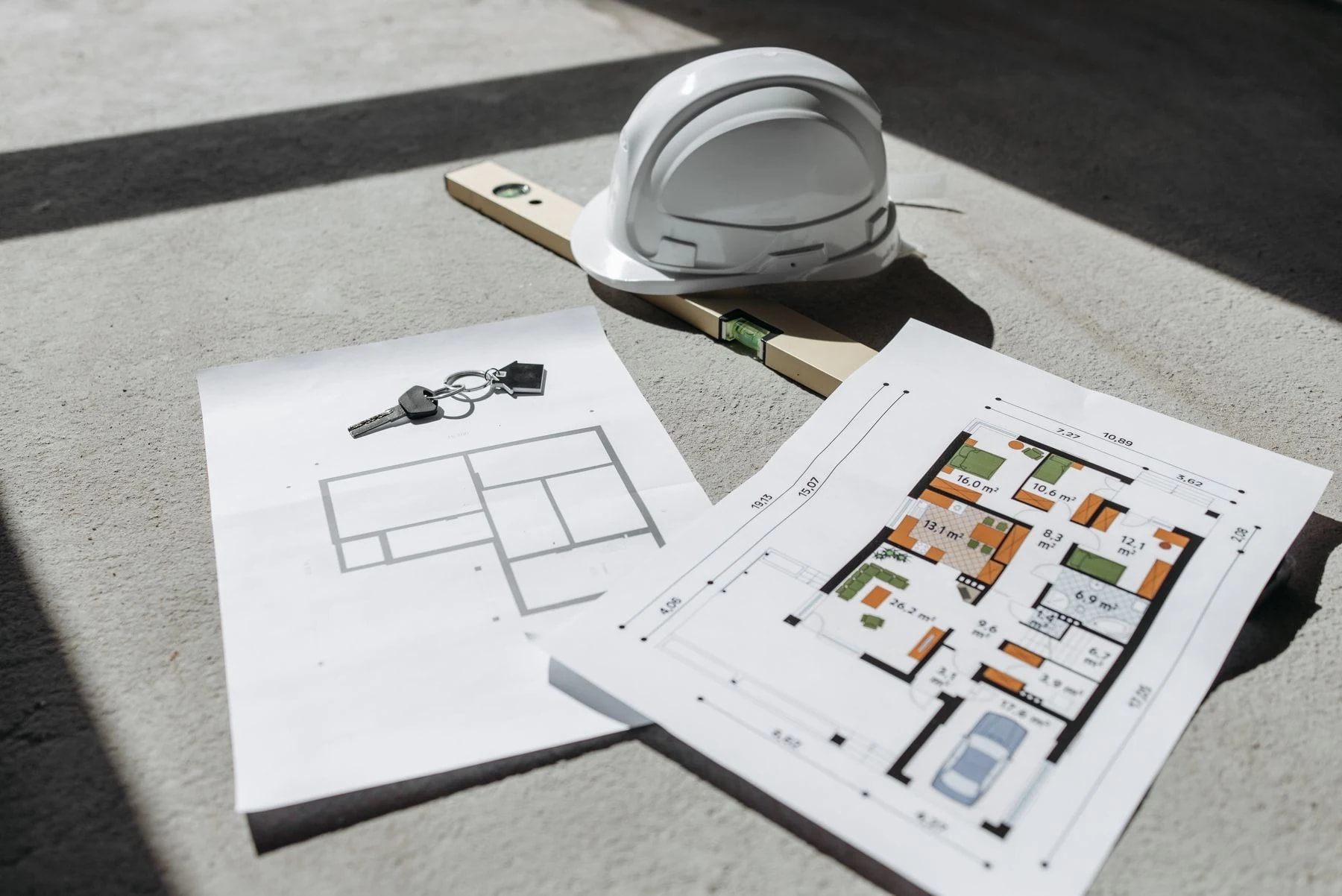
Friday, 5 p.m. An architect has to send her client the building permit application for a detached house on Monday: the fictional "Maison Durand" project. The site plan, section and elevations are ready, the Cerfa form (the official French administrative form) was filled in by a colleague the week before, and the descriptive notice still has to be written. Skimming through, she notices that the form states 40 m² of new surface de plancher (the floor area measure used in French planning law), while the area table on the drawing shows 42. Which one is right? And what other discrepancies has she missed? The real problem is not the drawing: it is consistency between documents produced at different times by different people.
This article introduces the "Planning application file" ChatGPT plugin provided by Educasium. Rather than the document list, already covered on this blog, it focuses on what the plugin itself brings: consistency review, human reviews, continuity between versions and working with neighbouring plugins.
Contents
- What the plugin actually does
- The regulatory framework, briefly
- Using the plugin step by step
- Four human reviews and versioned continuity
- Working with the planning and checking plugins
- What changes compared with a plain ChatGPT prompt
- Installing the plugin in Codex
- When this plugin is not enough
- Training to structure your planning files with AI
- Frequently asked questions
What the plugin actually does
The plugin prepares drafts and checks the documentary consistency of a French planning application file — permis de construire (PC, building permit), déclaration préalable (DP, prior declaration for minor works) or permis d’aménager (PA, development permit) — from the documents you give it. It does not draw anything and it does not submit anything: it reads, compares and writes drafts clearly labelled as drafts.
An inventory of documents, received or missing
The first deliverable is a document table: requirement condition and source, file received with revision and date, whether it was actually read, consistency, status and remaining action. The plugin separates a document received, a document actually read, a document whose requirement has been demonstrated, a conditional document and a merely useful document suggested by the architect. A file named "attestation" that cannot be read is logged as received, not read, content not verifiable: a file name proves neither its content nor its version.
A contradiction table, citing both sources
The second deliverable compares the form, notice, drawings and tables: address and plots, areas of the same definition, existing and final states, height and its reference point, materials, access, utilities. Each row cites document A and document B, their pages and their values, states whether the definitions are comparable, then gives the finding, the impact and the action. A discrepancy stays visible until you have decided: the plugin does not choose and never silently corrects anything.
A draft notice built only from documented facts
On request, it writes a draft notice that only states what the documents establish. Anything missing appears as an explicit placeholder such as [À COMPLÉTER : information], the document carries the label "brouillon — données à confirmer" (draft, data to be confirmed) and sources are listed in a register kept separate from the text intended for submission. It does not invent topography, utility connections or water management. Deliverables are in French, in Markdown by default, and in Word or Excel if your session allows it.
The regulatory framework, briefly
The choice between a permit and a prior declaration, the documents required and the forms in force depend on the project and change over time; our articles on the building permit file and on the documents for a prior declaration cover them in detail. The plugin, for its part, does not hard-code any Cerfa number, threshold, deadline or universal list. With web access, it consults the current official sources and records address, version and section; without access, it writes "exigibilité non vérifiée" (requirement not verified).
Using the plugin step by step
Step 1: Define the assignment. State the nature of the works, the use, the location, the intended procedure if you know it, and whether this is an initial application, an amendment, a regularisation or a simple review of existing documents.
Step 2: Provide the documents you actually have. Drawings, completed form, photos, area table, project notes. The plugin works with what it receives: a missing drawing is flagged as missing, never invented.
Step 3: Run the review. With the fictional case from the introduction: "Prepare the review of the fictional Maison Durand building permit: PCMI2, PCMI3 and PCMI5 drawings attached, 40 m² floor area in the Cerfa form but 42 m² on the drawing. List missing documents, contradictions and a draft PCMI4 notice." (PCMI refers to the numbered documents of a detached-house permit.)
Step 4: Rule on the contradictions. The plugin records the 2 m² gap, citing both documents, checks that both values refer to the same area definition and leaves the decision open. It is up to you to establish the correct value and fix the wrong document.
Four human reviews and versioned continuity
The plugin organises the review into four mission-specific reviews:
| Review | Scope |
|---|---|
| H1 | Nature of the works, procedure and document list, verified or to be determined |
| H2 | Facts and consistency between form, drawings and notice, documents actually read |
| H3 | Choice of procedure and documents, ruling on contradictions |
| H4 | Final package: documents actually attached, revisions, missing fields |
No review is approved by default, and the plugin creates no decision-maker and no sign-off: a review stays pending until a real decision has been supplied with its author and its evidence.
Continuity follows the same logic. The file keeps a register: project ID, revision and parent version, procedure, requirements, documents received, facts, contradictions, drafts and actions. A replaced file is kept. A new form or a new drawing revision means the consistency check must be redone, and the reviews concerned are reopened without erasing the earlier ones.
Working with the planning and checking plugins
The plugin works on its own, but it can draw on two neighbours. The Planning rules and natural hazards plugin provides the site, the sources and the applicable planning document; the Planning rules check plugin provides the requirements and the control matrix. The planning application file then uses the established facts for its drafts.
The exchange relies on a shared project folder convention, with no database and no automatic synchronisation. A note received from another plugin is not automatically accepted as evidence: its date, its caveats and its sources are kept, and whatever the file depends on is checked again.
What changes compared with a plain ChatGPT prompt
A prompt such as "check my permit file" often gets a reassuring answer: a list of documents recited from memory, an "everything looks consistent" and a notice that fills the gaps with plausible wording. The plugin frames this behaviour with written rules.
| Topic | Free prompt | Plugin |
|---|---|---|
| Document list | Recited from memory, sometimes outdated | Sourced, or marked "requirement not verified" |
| Document received | Often assumed correct | Separated from document read and document required |
| Contradiction | Fixed or smoothed over without saying so | Kept visible, with both sources cited |
| Missing data | Filled in with an assumption | Marked [À COMPLÉTER] |
| New version | Analysis restarted from scratch | Earlier version kept, consistency rechecked |
The plugin also refuses to fabricate what is not its job: no RE2020 certificate (the French energy and environmental regulation), no geotechnical study, no signature or certification.
Installing the plugin in Codex
The plugin runs in Codex, ChatGPT’s agent, either as an app or in a terminal, with a ChatGPT account that includes access. The download is reserved for participants in Educasium training courses, from the plugin page.
Download the ZIP file from the plugin page, then unzip it into a stable folder that you will not move or rename. In a terminal, add that folder as a catalogue with the command codex plugin marketplace add "path-to-folder", replacing path-to-folder with the actual location. Then install the plugin with codex plugin add archi-dossier-permis@educasium-dossier-permis. Finally, open a new Codex session so the plugin is picked up. The INSTALLATION.md file in the ZIP repeats these commands.
When this plugin is not enough
The plugin submits nothing. It sends no document, signs nothing, contacts no authority and simulates no receipt. Submission remains your decision and your act.
It does not certify that the project complies. A documentary review compares documents with one another; it does not demonstrate compliance with the plan local d’urbanisme (PLU, the local zoning plan), geometric compliance or the regulatory completeness of the file.
Its output depends on the documents provided. An unreadable page is flagged as such. Without web access, the analysis covers only the documents supplied, with no guarantee they are current. It includes no IFC reader and no geometry engine; Revit is optional and only used if you ask and a connector is available.
Training to structure your planning files with AI
A plugin is only useful if you know how to give it the right documents, read its tables and rule on its alerts. Our Mastering AI for Architecture training supports architects and construction professionals in using ChatGPT and Codex on their own files. The plugin and its installation tutorial are provided to participants.
Frequently asked questions
Can the plugin tell me whether my permit file is complete?
It can produce a precise inventory of documents received, read and missing, and match it against the official requirements when it has been able to consult and cite them. However, it never declares a file "complete" or "ready to submit" if the procedure, the applicable requirements or essential data remain unknown. Without access to official sources, it says so explicitly with the label "requirement not verified". Deciding that the file is complete is your call, after reviewing the document table and the remaining actions.
What happens when the Cerfa form and a drawing give two different areas?
The plugin logs the gap in the consistency table, citing both documents, their pages and their values, then checks whether both figures refer to the same area definition. It does not pick one of the two values and never silently corrects anything: the contradiction stays visible until you have decided. In the draft notice, the figure concerned remains marked as to be confirmed. Once the correct value is established, it is up to you to fix the wrong document and then run the check again.
Do I need Revit or a BIM model to use the plugin?
No. The plugin works with the documents available: PDF drawings, completed form, area tables, photos and text. Revit is optional: it is only called on if you ask, in read-only mode, and only if a connector is available in your environment. For a standard documentary assignment, such as reviewing a detached-house permit file, not having a model blocks no step. Measurements are never taken from a scan without a reliable scale.
Do I need to install the planning and checking plugins at the same time?
No. The planning application plugin works on its own, from the documents you give it. The Planning rules and natural hazards plugin and the Planning rules check plugin can pass it sourced conclusions, following a shared folder convention, but with no automatic synchronisation. A note received from either of them remains an input to be examined: the plugin keeps its date and caveats, and rechecks whatever the file depends on. The benefit of combining them is reaching the file with a regulatory framework that is already sourced rather than rebuilt from memory.
Once the contradictions are settled, our ChatGPT method for the architectural notice helps you finalise the notice, and our articles on the building permit file and the prior declaration recap the regulatory framework.
Funding may be available depending on your eligibility (OPCO, FIF PL). Qualiopi-certified training provider. To make your planning files more reliable with AI as part of our Mastering AI for Architecture training, contact Educasium and tell us your status (employee, freelancer, business owner) and your goal. Find the download and the installation tutorial on the dedicated ChatGPT plugin page.