
Reviewing a building permit: assisting with AI
Building permit review: use AI to sort and reread the file, without delegating compliance or inventing a document.
By Pablo Nastar
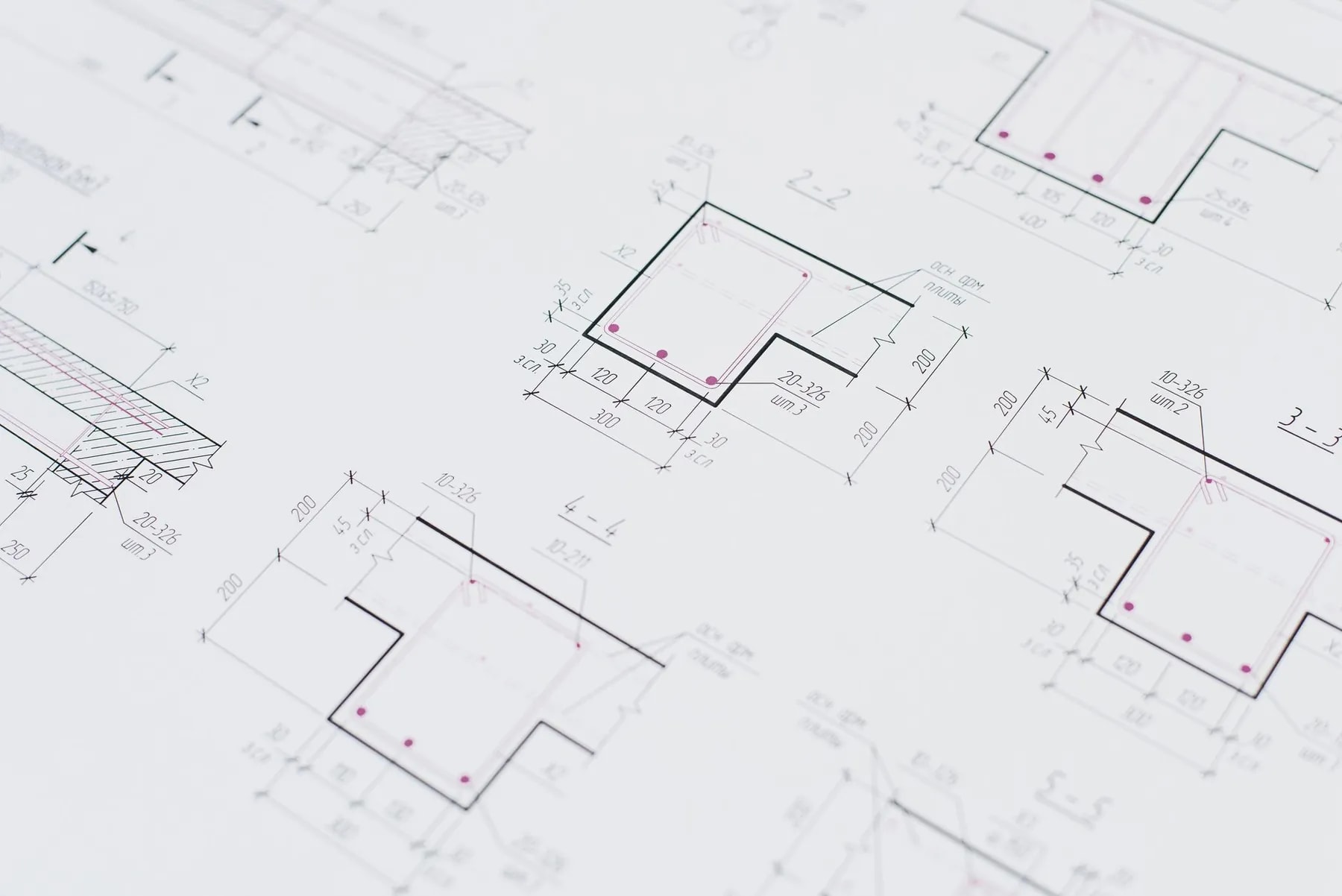
During the review of a building permit, AI can help sort the documents, spot a drafting inconsistency or prepare a checklist. It does not automatically know the rule applicable to the plot, the version of the planning document or the exchanges with the reviewing department. A plausible answer does not amount to validation of the file.
What to remember: use the assistant to make the check more legible, not to replace the architect, the applicant or the competent authority.
Contents
We break down the file, organise the citations, limit the use to consistency, protect the documents, train in the levels of response and list the counter-cases.
Break down the file before using AI
The building permit is a set of documents and rules; a general question hides that scope. Start by identifying the project, the authorisation sought and the list of documents that actually apply.
The official portal Service-Public.fr presents the general building-permit procedures for a house. The Urban Planning Code on Légifrance is a primary legal source, but its application depends on the project and the territory. The official pages must be reread in their version in force.
The Educasium guide building permit: documents and specification note provides a professional base. AI can help navigate an authorised corpus, without guaranteeing completeness.
Give sources and ask for citations
An answer with no identifiable source must not decide the presence or content of a document. Provide the authorised documents, name their version and ask for a table of citations.
| Question | Useful output | Check |
|---|---|---|
| where is the rule written? | document, page, extract | open the source |
| which document meets the requirement? | proposed match | check content and form |
| what information is missing? | list of absences | confirm with the file |
| do two texts contradict each other? | flagged divergence | professional arbitration |
Explicitly ask the tool to say "not found" rather than complete. A citation can be misinterpreted; the reader always goes back to the original passage.
Use AI for consistency, not for compliance
Documentary consistency is a more controllable use than the legal conclusion. The tool can compare document names, spot a different address or flag that a surface varies between two tables. It must not conclude on its own that the file is compliant.
Hypothetical implementation. On a practice file, an assistant could extract the references present in a specification note, compare them with a supplied list and flag the divergences without correcting them. The architect would then decide whether the discrepancy is an error. This example does not describe a client project or an administrative validation.
For each drafting correction, keep the initial text and the source. A more fluent sentence can change a nuance. Graphic information stays checked in the plans, not inferred from the textual summary.
Protect project information
An authorisation file can contain names, address, plans and details not intended for an unassessed AI service. Check the account, the contract, the settings, the subcontractors and the retention before any upload.
The CNIL provides resources on data processing linked to AI. The Educasium guide confidentiality and company data helps classify the documents. During training, use a public or synthetic file.
Minimisation remains useful even after validating a tool. If the task is about the structure of a specification note, remove the information that does not serve that task.
Train to distinguish four levels of response
Users must separate extraction, rephrasing, interpretation and validation. The first two can be reviewed directly; the last two require expertise and sources.
An exercise can present a rule in a document, a missing piece of information and an obsolete version. The learner classifies the output at the right level and explains what is missing to conclude. Our guide on artificial intelligence in architecture develops this discipline.
Bounded experience
Educasium trains in the uses of AI for architects; we do not claim to have obtained or secured a permit through an assistant. No acceptance rate or time saving is put forward. Our view is that the best first use consists of producing a list of questions and citations, not a declaration of compliance.
This limit protects the reader from a common confusion: mastering a tool does not replace knowledge of the project, the law and the dialogue with the administration.
Keep a register of checks
For each point checked with the assistant, note the source, the version, the passage and the person who validated. This register can stay simple. It prevents an old answer from being copied into a new file after a text or a local document has changed.
Also separate the resolved questions from those that must be addressed to the reviewing department or a competent adviser. AI can help formulate the question, but the official answer must keep its provenance. An isolated screenshot is not a durable source; keep the URL or the applicable document according to the project rules.
Check the graphic consistency
Text is not enough. A consistent specification note may still contradict a plan, a section or a photomontage. Organise a cross-review and indicate the documents that the tool cannot analyse reliably. The limit must appear in the process, not in a note forgotten after generation.
Limits and counter-cases
An atypical file, located in a protected perimeter or subject to specific rules, must not be simplified from a general guide. A dated source may be inapplicable. A badly read image or plan can also produce an artificial contradiction.
Do not use AI when transmitting the documents is not authorised. A human checklist may be safer for a simple, recurring file. The final check remains necessary in all cases.
Frequently asked questions
Can an AI say whether a permit will be accepted?
Not in a reliable and general way. The review depends on the file, the rules in force, the territory and the exchanges with the competent authority. The tool can help prepare questions or compare documents. It must not promise an administrative decision.
Can it draft the specification note?
It can prepare a draft from the supplied facts, without inventing the description of the plot or the project. Each sentence must be checked against the plans and the validated data. Regulatory wording requires particular attention. The architect or the file owner validates the final version.
Can you load the local urban plan into an assistant?
Only if the document and the account may be used in that context. Check the official version and the date. Ask for citations, then open the passages. The assistant does not replace reading the applicable document.
Which exercise is suitable for training?
Use a synthetic file with a deliberate inconsistency and a missing piece of information. Ask for a table of citations and limits. The learner must refuse to conclude beyond the documents. No client data is needed to learn this method.
Train without promising compliance
Training eligible for OPCO/FIF PL funding subject to conditions. Qualiopi-certified organisation. Discover the AI training for architects or contact Educasium to build exercises on synthetic files.