
Midjourney v6 vs v7 for Architecture: What Actually Changed for Architects
Midjourney v7 follows complex prompts more precisely and adds Draft Mode. Does it actually change architects' workflow? A concrete v6 vs v7 comparison.
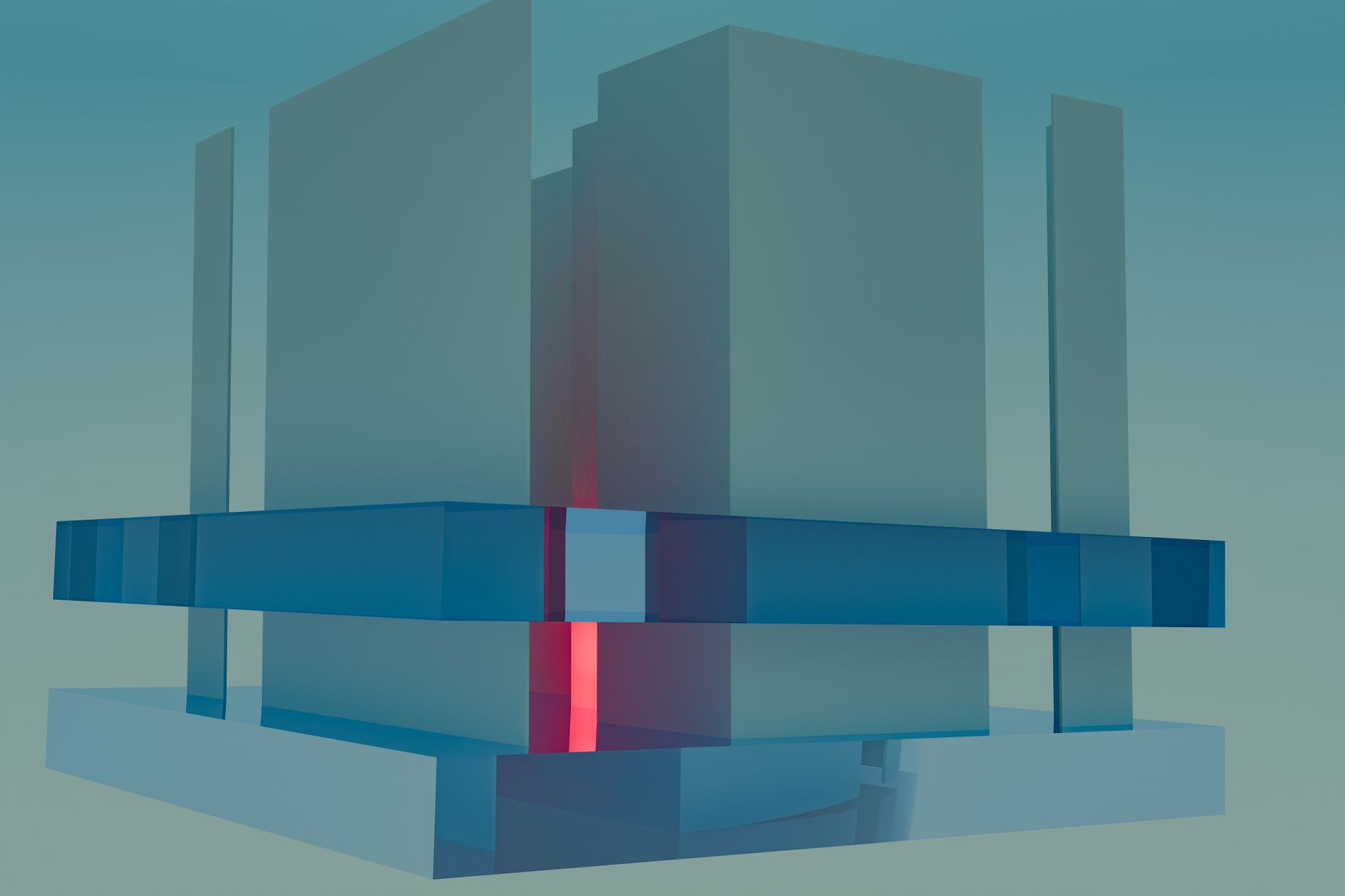
When Midjourney v6 launched in late 2023, architects testing the tool noticed a clear improvement: buildings looked more like buildings, materials had more convincing texture, and interior renders gained spatial coherence. With v7, released in 2025, the question is no longer "is it better?" — it objectively is — but "does it actually change anything in my practice's workflow?"
The answer depends on what you use it for. For mood boards during schematic design, v7 brings concrete benefits. For client-facing presentation renders or competition submissions, both versions share the same structural limitations that neither release has solved.
Contents
- Quick comparison table
- Midjourney v6: what it brought architects
- Midjourney v7: what genuinely changed
- Comparison by use case in practice
- Which version to use for your needs
- FAQ
Quick comparison table
| Criterion | Midjourney v6 | Midjourney v7 |
|---|---|---|
| Release date | December 2023 | 2025 |
| Prompt adherence | Good | Better (more literal) |
| Draft Mode | No | Yes (faster, fewer credits) |
| Aesthetic personalization | No | Yes (--personalize) |
| Style consistency | Correct | Better |
| Complex scene rendering | Good | Better |
| Proportion errors | Frequent | Still present |
| Structural logic | Absent | Absent |
Midjourney v6: what it brought architects
V6 brought real improvements over v5: better spatial coherence in interiors, improved fidelity to materials specified in prompts (exposed concrete, Corten steel, oiled oak), and the `--style raw` parameter to reduce Midjourney's "house style" and approach a more neutral architectural photography look.
Midjourney v7: what genuinely changed for architects
Significantly improved prompt adherence. V7 follows instructions more literally. For an architect specifying "red brick facade, vertical openings, glazed ground floor with round columns, flat roof, street-level eye perspective," v7 is more likely to produce exactly that description. This reduces the number of iterations needed.
Draft Mode. Generates images at reduced quality but much faster and at lower credit cost. For ideation during schematic design — generating 20 facade variants in 10 minutes to choose a direction — this is a real productivity gain. You do not present Draft Mode output to a demanding client, but you use it internally.
`--personalize`. Uses your declared aesthetic preferences to bias generations toward a visual style you have validated. Useful for practices with a strong visual identity.
Better style consistency across multiple images. For producing a series of visuals of the same project with the same palette and materials, v7 is more reliable than v6.
What neither v6 nor v7 has solved
No structural logic. Midjourney does not understand that columns support beams that support slabs. V7 reduces inconsistencies but does not eliminate them.
Proportions are not guaranteed. You cannot dimension from a Midjourney render.
No geometric continuity with a 3D model. See our article on Stable Diffusion for architectural renders.
Comparison by use case
For schematic design mood boards, v7 is better. For final client presentation renders requiring technical accuracy, both versions share similar limits. For fast facade variant generation, v7 + Draft Mode is clearly superior.
V7 is the default today — no reason to revert to v6 for most uses. V6 retains appeal only where its slightly less perfect pictorial rendering better matches your visual intent.
For deeper guidance, see our articles on Midjourney for architects and Midjourney prompts for architecture.
FAQ
Can Midjourney v7 replace rendering software like Enscape or Twinmotion?
No. Midjourney generates images from text prompts — it does not take your 3D model, Revit materials, or building orientation into account. Enscape and Twinmotion render directly from your digital model, guaranteeing geometric consistency with the project. They are complementary: Midjourney for mood boards during schematic design, Enscape or Twinmotion for final technical presentation renders.
Does Draft Mode produce images usable for client presentations?
For informal or internal presentations, sometimes yes. For a presentation to a demanding client or competition jury, no — quality is clearly reduced. Draft Mode is designed for rapid internal iteration.
Does v7 require reformulating v6 prompts?
Not necessarily, but it can be beneficial. Since v7 is more literal, vague prompts that gave acceptable results in v6 by chance may produce more rigid outputs in v7. Test your best v6 prompts directly — most work, some benefit from refinement.
Train with Educasium for AI in architecture
Integrating Midjourney productively into a practice workflow requires guided practice. Educasium offers Qualiopi-certified training programs, eligible for OPCO/FIFPL funding, covering Midjourney applied to professional architecture.
Discover Educasium training programs — response within 24 business hours.