
Midjourney V8 for Architects: Photorealistic Renders in 10 Minutes (2026 Guide)
Cut your rendering time by 70% with Midjourney V8. Prompt guide, SketchUp/Revit workflow, and BIM integration. OPCO/FIFPL-funded training, Qualiopi-certified.
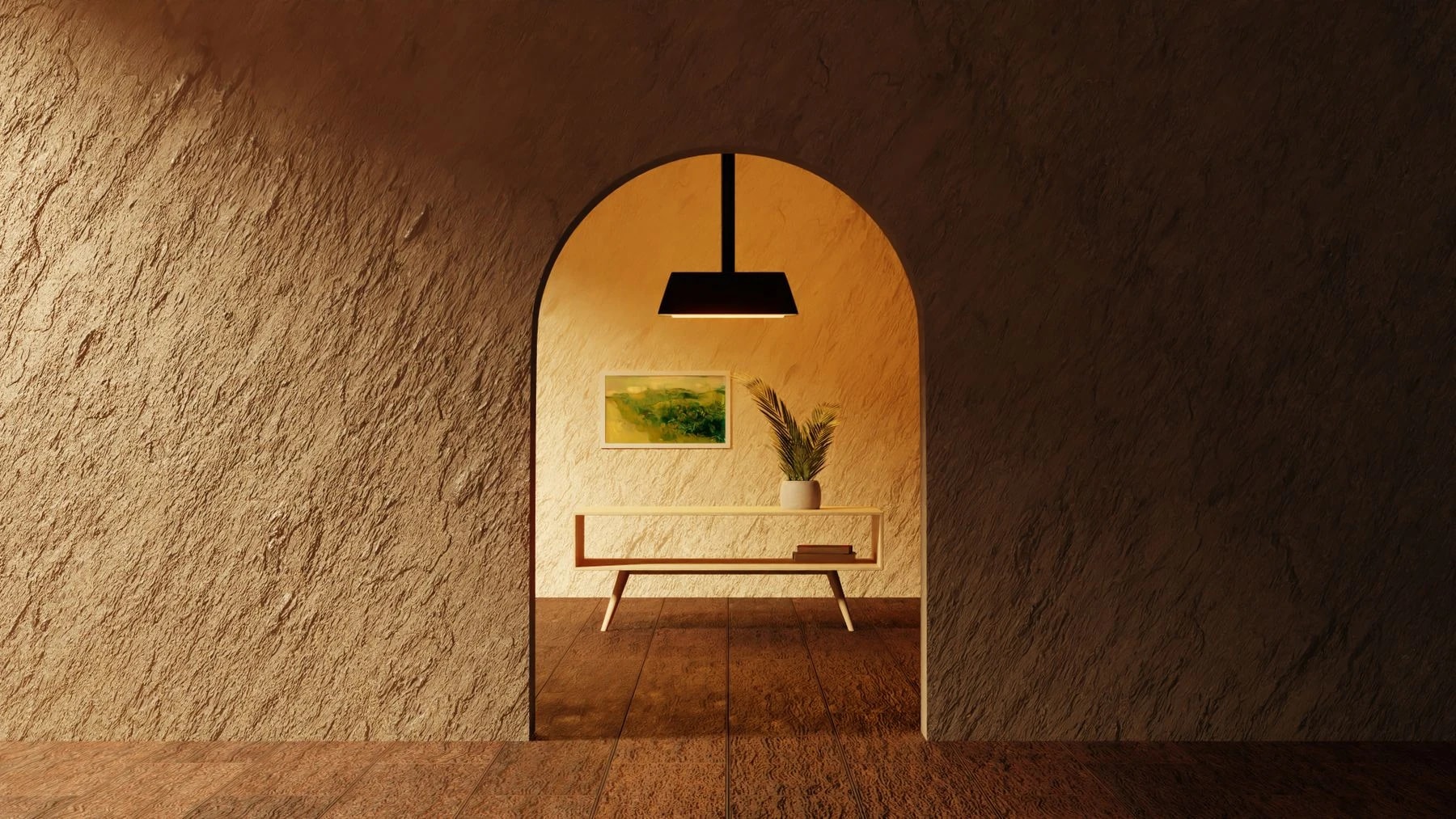
Midjourney for Architecture: Create Photorealistic Renderings in Minutes
Producing a convincing architectural rendering used to take several hours of modeling, texturing and post-production. With Midjourney architecture, a well-formulated prompt is enough to obtain a photorealistic image in under two minutes. Architecture firms, interior designers and 3D visualizers who have integrated this tool into their workflow report a 40 to 70% time saving on the pre-project and client communication phase. This article explains how Midjourney works, why architects are massively adopting it, and how to structure your prompts for immediately usable professional results.
Contents
- What is Midjourney and how does it work
- Why architects adopt Midjourney
- Practical guide to Midjourney prompts for architecture
- Integrating Midjourney into a SketchUp or Revit workflow
- Limits and best practices
- Training in Midjourney: a fundable skill
- FAQ
What is Midjourney and how does it work
Midjourney is a generative artificial intelligence model specialized in creating images from textual descriptions called prompts. Developed by Midjourney Inc. and accessible via Discord or its web interface, it relies on a neural network trained on billions of images to produce visuals of remarkable quality in seconds.
Unlike classic rendering software such as V-Ray or Lumion, Midjourney requires no 3D modeling skills. The user describes what they want to see — a building, an interior, a lighting atmosphere, an architectural style — and the model generates four variants in under 60 seconds. It is then possible to refine, zoom, vary or upscale the image as needed.
The current version, Midjourney v6, introduces significantly improved natural language understanding, increased fidelity to architectural details and far superior spatial proportion management compared to previous versions. The result: AI architecture renderings that approach the quality of an image produced by an experienced visualizer, for a fraction of the time and cost.
To go further on AI tools applied to architecture, see our complete AI architecture guide.
Why architects adopt Midjourney
The adoption of Midjourney by architecture professionals is not a fad. It responds to concrete operational needs.
Accelerating client communication in the sketch phase
The sketch phase is often where communication is most difficult. The client does not read plans and struggles to project themselves into axonometries. Midjourney makes it possible to produce atmosphere images in minutes that are realistic enough to validate an architectural direction before committing hours of modeling. According to the Autodesk report on AEC practices, agencies using rapid visualization tools reduce by 30% the number of back-and-forths with their clients in the conceptual phase.
Reducing pre-sale and bidding costs
Responding to a tender often requires producing visuals without a guarantee of winning the contract. With Midjourney, an architect can generate competition-quality images in one to two hours, where classic 3D rendering used to require a full day. Return on investment is immediate.
Exploring a maximum of architectural directions
AI allows exploring in parallel radically different stylistic directions — brutalism, biophilia, Japanese minimalism, parametric architecture — without committing to a 3D model. This visual ideation work accelerates project maturation and enriches the designer's creativity.
Staying competitive in a transforming market
The French National Council of the Order of Architects observes a rapid transformation of digital practices in the profession. Firms that do not integrate AI into their production chain risk being at a disadvantage against competitors able to deliver faster and at lower cost. Mastering Midjourney has become a differentiating skill.
Practical guide to Midjourney prompts for architecture
The quality of an AI architecture rendering depends directly on the quality of the prompt. Here is a structured method and concrete, ready-to-use examples.
Structure of an effective prompt
A Midjourney prompt for architecture generally follows this structure:
Subject + Architectural style + Context/environment + Light + Rendering technique + Technical parameters
The most useful technical parameters are:
- \`--ar 16:9\` for landscape format on exterior renderings.
- \`--ar 4:3\` for interiors.
- \`--v 6\` for version 6 of the model.
- \`--style raw\` for less artistic stylization and more realism.
- \`--q 2\` for maximum quality.
Concrete prompt examples
Contemporary exterior rendering. *Exterior render of a contemporary residential house, flat roof, large floor-to-ceiling windows, natural stone facade, surrounded by mature trees, golden hour lighting, photorealistic architectural visualization, 8k resolution --ar 16:9 --v 6 --style raw*
Scandinavian minimalist interior. *Interior design of a minimalist Scandinavian living room, white oak floors, linen sofa, indirect warm lighting, large windows with forest view, architectural visualization, photorealistic render, clean lines, 4k --ar 4:3 --v 6*
Renovated Haussmann facade. *Facade renovation of a classic Haussmann building in Paris, modern glass extension on top floor, ground floor commercial space with aluminum storefront, overcast daylight, photorealistic architectural render, street level perspective --ar 16:9 --v 6 --style raw*
Modernist villa in nature. *Modernist villa in a pine forest, cantilevered volumes, frameless glass walls, infinity pool reflecting mountains, dusk lighting, architectural photography, Richard Meier inspired, photorealistic render --ar 16:9 --v 6 --style raw*
Sustainable social housing. *Social housing complex with sustainable design, green rooftop terraces, solar panels integrated in facade, mixed materiality brick and timber, pedestrian courtyard, afternoon sunlight, photorealistic architectural render, Paris suburb context --ar 16:9 --v 6*
To go further, see our full Midjourney architecture prompts guide.
Tips to refine your results
- Cite reference architects: mentioning "Tadao Ando", "Kengo Kuma" or "BIG Architects" strongly orients the produced style.
- Specify time and weather: "golden hour", "overcast sky", "night render with artificial lighting" radically change the atmosphere.
- Add human context: a silhouette, a car, a passerby give scale and make the rendering more credible.
- Use the \`--no\` parameter to exclude elements, for example \`--no people, cars, text\`.
- Combine with a reference image: adding an input image with \`--iw\` (image weight) lets you start from an existing sketch or plan.
Integrating Midjourney into a SketchUp or Revit workflow
Midjourney does not replace your modeling tools — it complements them. Here is how to articulate both in a coherent professional workflow.
Step 1: Model the structure in SketchUp or Revit
Start by defining the volumes, proportions and structure in your usual software. The goal is not a detailed model, but a correct spatial skeleton.
Step 2: Export a simple rendering or screenshot
Export a basic 3D view — without textures or careful lighting — or take a simple screenshot of your SketchUp view. This export will serve as a reference image to guide Midjourney.
Step 3: Use the image as a reference in Midjourney
In Midjourney, upload your capture and use it as a reference image with the \`--iw 1.5\` parameter (image weight). Midjourney will then respect the proportions and composition of your model while applying the style and materials described in your prompt.
Step 4: Iterate and upscale
Select the most relevant variant among the four proposals, upscale it (U button), then request additional variations if needed. Generally, three to five iterations are enough to reach a presentable result for a client.
Step 5: Finish in post-production
A quick pass through Adobe Photoshop or Lightroom — level adjustment, removal of possible artifacts, adding a watermark — completes the rendering before delivery. The total time, from SketchUp export to delivered image, rarely exceeds 30 minutes.
Limits and best practices
Midjourney is a powerful tool, but it has limits that every professional must know before making it a pillar of their production.
Limits to know
Lack of precise geometric control. Midjourney generates images, not models. It is not possible to guarantee that a window is exactly 1.20 m wide or that an angle is 90 degrees. The tool is suited to atmosphere communication, not technical drawing.
Architectural hallucinations. The model can produce structurally impossible or incoherent elements (beams that "float", aberrant junctions, illegible text). An expert eye must always validate the rendering before distribution.
Image rights and intellectual property. Midjourney's terms of use evolve. For commercial use, verify that you have the necessary rights according to your subscription. Generated images are not copyrightable in most European jurisdictions.
Dependence on prompt quality. A poorly formulated prompt systematically produces a mediocre result. Mastery of prompt engineering is non-negotiable for professional use.
Professional best practices
- Use Midjourney for the design and communication phase, never as a substitute for building permits or execution plans.
- Explicitly mention to your clients that visuals are AI-generated and remain non-contractual.
- Keep a log of your most effective prompts to build an internal reference library.
- Always combine the power of Midjourney with your architectural expertise: AI produces, the professional judges and guides.
Training in Midjourney: a fundable skill
Mastering Midjourney architecture prompts professionally is learned. While the tool is accessible from the first hours, reaching an expert level — capable of producing consistent and exploitable renderings in a commercial context — requires structured training.
Educasium offers a Qualiopi-certified training specifically designed for architects, designers and 3D visualizers. The program covers Midjourney handling, advanced prompt construction, integration into existing workflows (SketchUp, Revit, AutoCAD), and professional uses of generative AI in the AEC sector (Architecture, Engineering, Construction).
Funding: OPCO and FIFPL
The training is fundable up to 100% depending on your eligibility via:
- OPCO (Skills Operators) for employees and companies in the sector — notably OPCO Atlas, OPCO EP and Constructys.
- FIFPL (Interprofessional Fund for the Training of Liberal Professionals) for architects and designers practicing as liberal professionals.
No advance payment is required in most cases. Our educational team supports each learner in assembling the funding file.
FAQ
Can Midjourney replace a 3D rendering software like V-Ray or Lumion?
No, not entirely. Midjourney excels at producing atmosphere images and client communication quickly, but does not offer the geometric control and photometric precision of a parametric 3D rendering engine. The two tools are complementary: Midjourney intervenes upstream for design and ideation; V-Ray or Lumion take over for contractual renderings and final technical deliverables.
Do you need technical AI skills to use Midjourney as an architect?
No. Midjourney is designed to be accessible without programming or machine learning skills. What makes the difference is mastery of prompt engineering applied to architecture: knowing how to precisely describe a space, a style, a light, a material. It is a writing and visual skill, not a technical one — and that is precisely what Educasium training teaches.
Is Midjourney training for architects FIFPL-fundable?
Yes. The training offered by Educasium is eligible for FIFPL for liberal professionals in architecture, design and visualization. The program is Qualiopi-certified, an indispensable condition for coverage by training funds. Our team supports you in assembling your funding file, with no advance payment.
Move to generative AI for your architectural renderings
Training fundable up to 100% depending on your eligibility (OPCO/FIF PL). Qualiopi-certified program. Contact Educasium for your Midjourney training dedicated to architects and designers — reply within 24 business hours.