
SketchUp vs Blender for Architects: Which One to Choose in 2026?
SketchUp is quick to learn for conceptual modelling. Blender offers unmatched free rendering power. An honest comparison to help you choose based on your practice and budget.
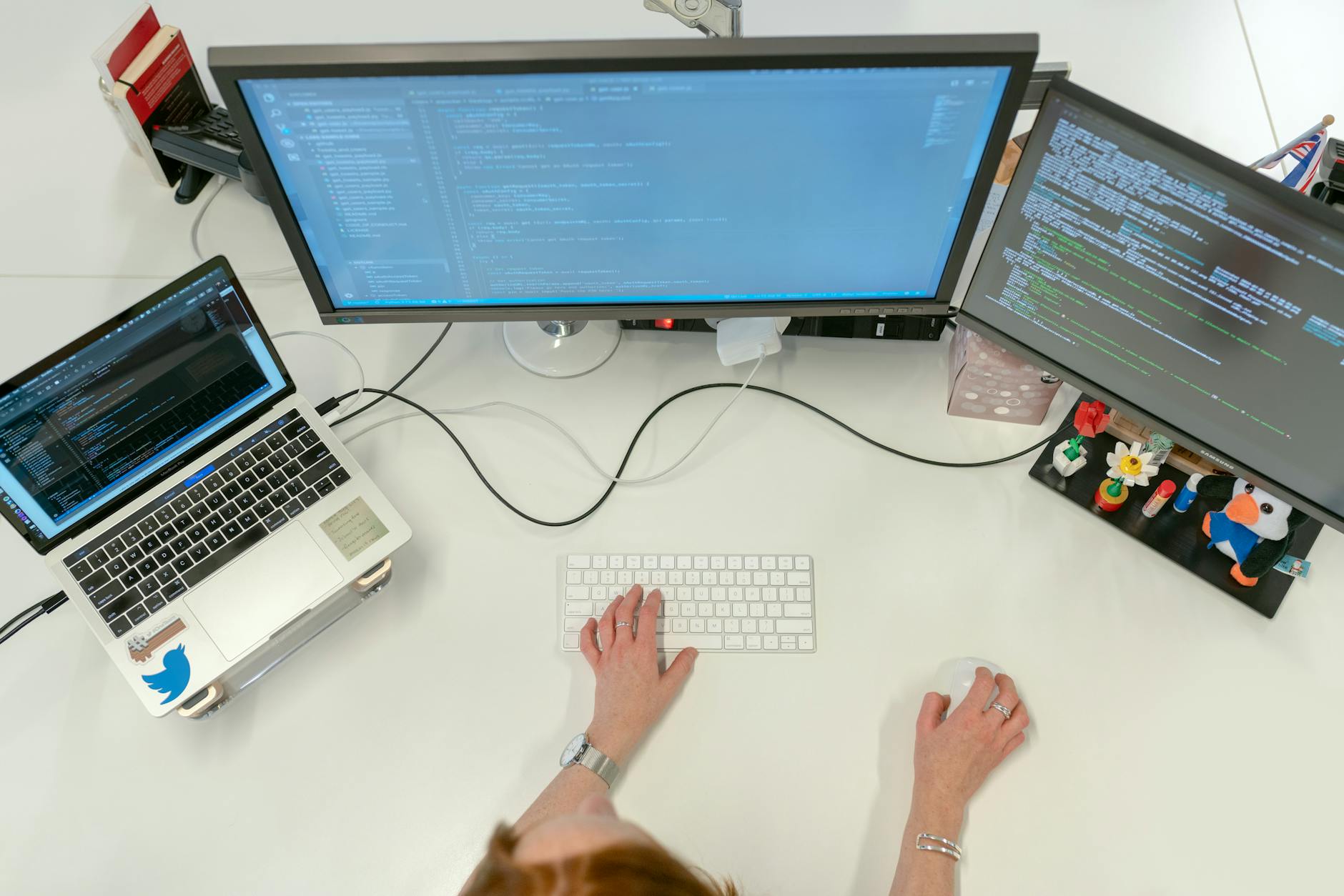
A project manager at a French architecture practice asked me directly during a training session: "We've been using SketchUp for ten years, but our new hires come in with Blender. Do we need to migrate?" The short answer: not necessarily. The longer answer is worth spelling out, because the two tools don't target exactly the same use case in a practice.
SketchUp and Blender are both 3D modelling tools capable of producing professional-quality visuals. But their philosophy, learning curve, and place in an architecture workflow are fundamentally different. This article compares them on the criteria that actually matter for an architect or project lead.
Contents
- Quick comparison table
- SketchUp: strengths and limitations for architects
- Blender: strengths and limitations for architects
- Comparison by use case
- Which software to choose for your profile
- FAQ
Quick comparison table
| Criterion | SketchUp Pro | Blender |
|---|---|---|
| Price | ~€340/year (subscription) | Free (open source) |
| Learning curve | Gentle — operational in 1-2 days | Steep — several weeks of practice |
| Fast conceptual modelling | Excellent | Workable but slower |
| Native photorealistic rendering | No (requires V-Ray, Enscape, etc.) | Yes (Cycles, EEVEE built in) |
| BIM import/export (IFC) | Yes (via plugin) | Yes (via plugin, less robust) |
| Generative AI integration | Partial (third-party plugins) | Yes (Stable Diffusion, ComfyUI) |
| 3D Warehouse library | Yes (enormous) | No (third-party libraries) |
| Layout extension (2D) | Yes, built in | No |
| Architecture community | Very large | Large but VFX/animation-oriented |
SketchUp: what works, what doesn't
Strengths for architects
SketchUp was designed for fast conceptual modelling. Its push-pull philosophy allows an architect without advanced 3D skills to create a built volume in minutes. In the concept or schematic design phase, that's a decisive advantage: time spent mastering the tool is minimal, time spent exploring design options is maximal.
The 3D Warehouse is an underestimated operational asset. Hundreds of thousands of objects — furniture, technical equipment, vehicles, trees — are directly importable into your scene. For a client presentation on a residential or commercial interior project, saving 2 to 3 hours of modelling on scene-setting details is a tangible benefit.
Integration with real-time rendering engines — Enscape, Lumion, Twinmotion — is native and seamless. If your practice already uses one of these tools, SketchUp connects without friction.
Layout (included in SketchUp Pro) allows you to move from 3D views to dimensioned presentation sheets within the same software environment — a feature Blender does not have natively.
What SketchUp doesn't do well
SketchUp has no professional-quality native rendering engine. Without Enscape or V-Ray, the visual output remains schematic. That means an additional subscription cost (typically €30-80/month per seat for Enscape or V-Ray) on top of SketchUp Pro.
On complex geometries — parametric facades, curved roofs, fine construction details — SketchUp shows its limits. It handles non-NURBS curves and surface subdivisions poorly.
SketchUp's BIM capability remains superficial despite available plugins. For projects requiring a coordinated building information model usable by the structural engineer, Revit remains the reference.
Blender: what works, what doesn't
Free, professional-grade power
Blender is open source and entirely free. For a 5-person practice, the saving compared to SketchUp Pro + Enscape can exceed €3,000/year. But it's not just about cost: Blender includes two cinematic-quality rendering engines natively (Cycles for photorealism, EEVEE for real-time), a simulation system (fluids, physics, particles), and a complete animation system.
For architects who want to produce quality presentation videos without the budget to outsource rendering, Blender is the most complete solution available at zero cost. Professional visualization studios use Blender exclusively for multi-million-euro projects.
Integration with generative AI tools is a growing advantage. Add-ons like Dream Textures (Stable Diffusion embedded in Blender) allow you to generate textures or rendering variations directly from the 3D scene.
What Blender doesn't do well for architects
The learning curve is real. For an architect who has never used Blender, reaching an operational level for conceptual modelling takes several weeks of regular practice. Keyboard shortcuts are numerous and non-intuitive.
Blender is not designed for fast conceptual modelling in the concept phase. Creating a simple built volume takes longer than in SketchUp. For site meetings or quick exchanges with a client, SketchUp remains more agile.
The absence of a built-in 2D/Layout tool is a real gap. Moving from the 3D model to dimensioned presentation sheets requires exporting to FreeCAD, LibreCAD, or AutoCAD — an extra step in the workflow.
Comparison by use case
Concept phase and rapid client presentation
SketchUp wins clearly. Modelling speed and access to the 3D Warehouse allow you to build a presentation model in 2-4 hours for a typical project.
Photorealistic rendering for competitions or sales
Blender wins. With a properly prepared scene (materials, HDRI lighting, camera), Cycles produces photorealistic renders indistinguishable from those made by specialized visualization studios — at zero cost.
Architecture video and animation
Blender wins outright. This is its home territory. Development animations for housing projects, site flythroughs, interior use animations — Blender handles all of this natively with quality that SketchUp cannot match without Lumion or Twinmotion.
Complex geometry and parametric facades
Blender wins, though Rhino remains the reference. Blender's Geometry Nodes enable parametric facades and complex structures without scripting. For projects where form is central, Blender is more capable than SketchUp. Rhino + Grasshopper remains superior for pure parametric design.
BIM and coordination workflow
Neither is suitable. For projects requiring a coordinated BIM model usable by the structural engineering team, Revit remains indispensable.
Which software to choose for your profile
Choose SketchUp if:
- Your practice primarily does residential or standard commercial work with rapid presentation cycles
- You already use Enscape, Lumion, or Twinmotion for rendering
- Your team has no advanced 3D training and needs to be operational quickly
- You need the built-in Layout for presentation sheets
Choose Blender if:
- Your practice produces architecture videos or high-quality competition renders
- Your software budget is tight (Blender being free, the saving is immediate)
- You have team members with 3D or animation training who can train others
- You work on projects with complex geometries
Running both together is a valid strategy: SketchUp for conceptual modelling and client exchanges, Blender for final rendering and animation. OBJ or FBX exports allow transferring SketchUp geometry into Blender for rendering.
For a broader view of the AI tools available for your practice, see our guide to AI tools for architects and our article on AI for architecture in 2026.
FAQ
Is SketchUp sufficient for professional renders?
SketchUp alone is not sufficient for professional photorealistic renders. Its native visualization engine produces schematic visuals useful for design development, but not for commercial communication or competition submissions. Pairing it with an external rendering engine — Enscape (the most common in practices for its simplicity), V-Ray (the most powerful), or Twinmotion (real-time) — is necessary to reach a professional level. These additional subscription costs are real, but the SketchUp + Enscape combination remains easier to learn than Blender for a team without advanced 3D training.
Can you migrate SketchUp files to Blender?
Yes, via several formats: OBJ, FBX, Collada (DAE), or 3DS. OBJ export from SketchUp and import into Blender is the most reliable flow for geometry. Materials do not transfer perfectly and will need to be recreated in Blender. For a complex project, budget 1-2 hours for material reassignment. Some Blender add-ons (such as SketchUp Importer) partially simplify this transition.
Do real architecture firms actually use Blender?
Yes, and increasingly. Firms like Snøhetta, Zaha Hadid Architects, and several visualization studios such as The Boundary (London) use Blender in their production pipelines. The free-software argument is decisive for mid-sized practices that want to avoid stacking subscriptions. Adoption is growing steadily, particularly in the Nordic countries and Asia.
Does SketchUp work with AI image generation tools?
SketchUp can integrate with some AI tools through third-party plugins or image exports to Midjourney or Stable Diffusion. However, the integration is less native and mature than in Blender, where add-ons like Dream Textures are directly built into the rendering pipeline.
Train with Educasium for 3D software and AI in architecture
Mastering SketchUp, Blender, or AI rendering tools requires guided practice applied to real project cases. Educasium offers Qualiopi-certified training programs, eligible for OPCO/FIFPL funding, applied directly to architecture and design practice use cases.
Discover Educasium training programs — response within 24 business hours.